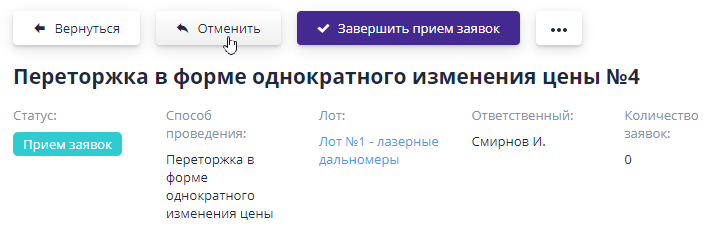
Rebidding in the form of a one-time price change
Rebidding in the form of a one-time price change is carried out in the form one-time submission of applications for participation in rebidding, with improvement of its price offer.
Setting up rebidding
Before publishing a rebidding, you need to configure it - establish the timing of its conduct, the lot positions for which it is carried out, and select criteria whose values participants can improve in their proposal.For ease of filling out, this information is divided into several blocks.
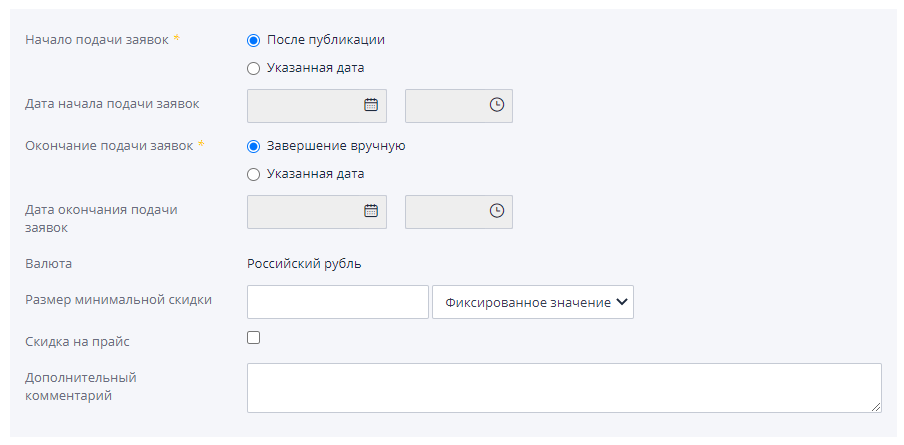
The basic information states:
-
Start date for submitting applications - starting from this date, participants will be able to submit applications for participation in rebidding.
-
Closing date for applications - when this date is reached, acceptance applications for participation in the re-auction will be completed.
-
Minimum discount amount - indicates the minimum discount amount for a participant's proposal.
-
Discount on price - allows the participant to indicate during rebidding the value of the discount on the entire offer, and not on specific items in composition of the lot.
-
Additional comment - additional information on rebidding.
In the “Additional settings - Rebidding in the form of a one-time price changes" setting available:
- Visibility of submitted applications for the organizer of the procedure - sets a period for reviewing submitted applications by the organizer. If the setting value is “After the end of accepting applications”, then the organizer will be able to see applications only after the end of the period accepting applications.If the value is “Immediately after submission”, then each application can be viewed immediately after it is submitted by the participant.
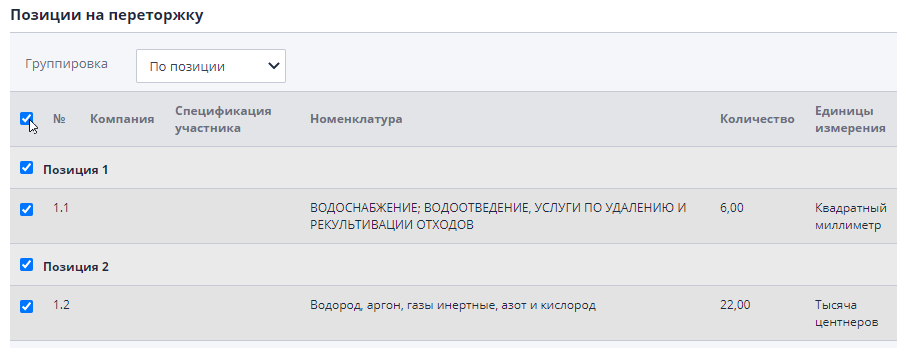
The section “Items for rebidding” contains originals and specifications, submitted by participants for the lot.You can select one or more items, to improve proposals for them:
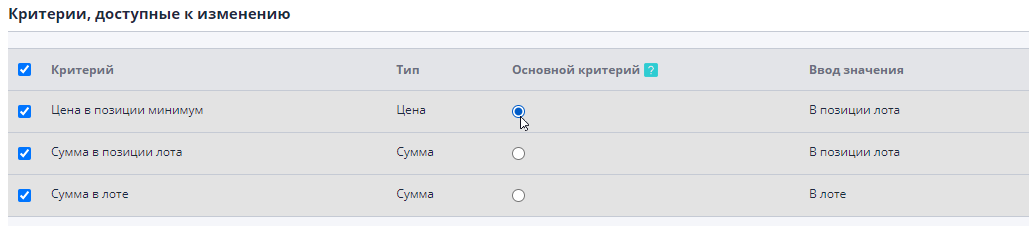
In the “Criteria available for change” block, select the criteria for the lot, which the participant will be able to improve during the rebidding.Must select at least one criterion.If several criteria are selected, then it is necessary indicate the main one among them.It is by him that the leader will be determined rebidding, and ranking of offers is carried out.
When choosing criteria for rebidding, the following must be observed: rules:
-
When selecting a criterion with the “Amount” type at the lot level, there must be all criteria with the type “Price” and “Amount” are selected at the lot level and positions.And also all positions and specifications must be selected for which were submitted applications from participants.
-
When selecting a criterion with the “Amount” type at the position level, there must be All criteria with the “Price” type at the item level are also selected.
After editing the rebidding, you must save the changes by clicking on "Save" button in the top menu.
Invitations to re-auction
On the “Participants” tab you can see the list of participants who invitations to re-auction have been created.
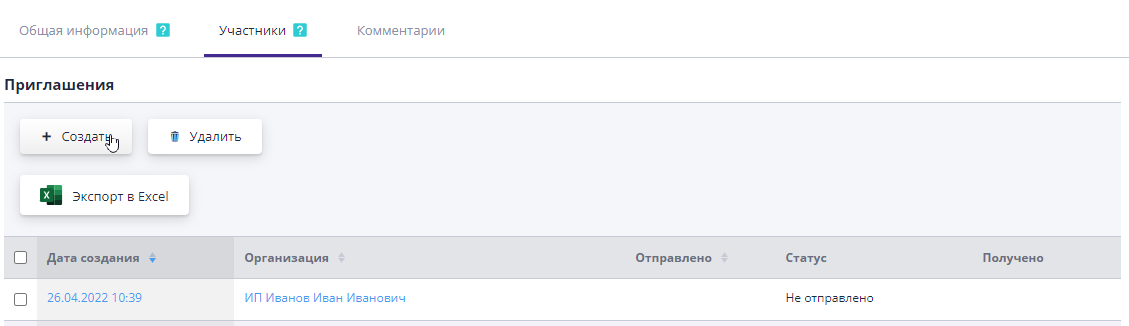
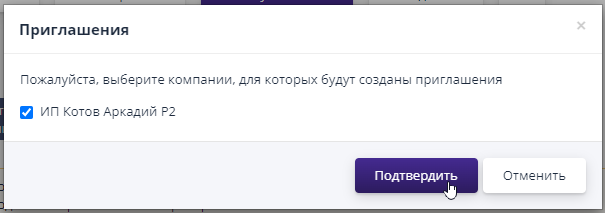
By clicking the "Create" button you can add invitations for companies admitted to participate in the main stage of bidding, but not selected at the stage creating rebidding:
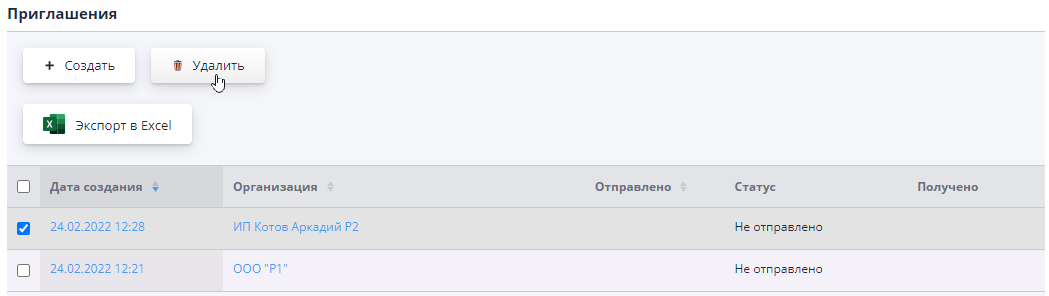
An invitation can be deleted by selecting it and clicking on the corresponding button:
Publication and re-auction
After filling out the information on rebidding, you can “Publish”:

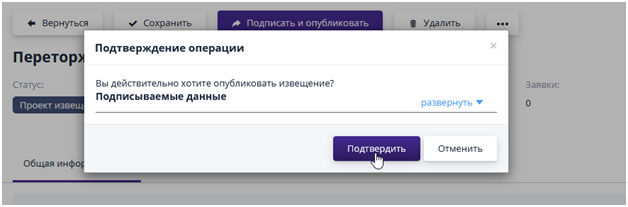
If the system has signature functionality enabled, then the published rebidding in the form of a one-time price change will need to be signed.To confirm the signature, the user should click on the “Confirm” button, and to cancel the operation, click “Cancel”:
Invited participants are sent information on rebidding by email at their personal account and email.
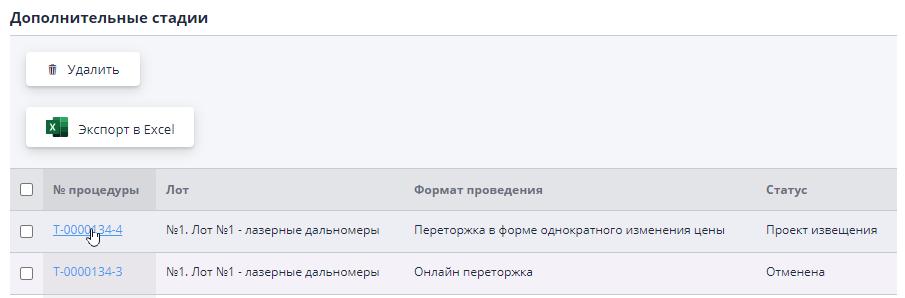
The published rebidding will be available in the “Additional stages” block on the page of the lot for which it was created.Go to page rebidding is carried out using the link in its number:
After the dateand start time for submitting applications, participants will be able to submit applications improving your proposals.Depending on settings rebidding, applications will be available for viewing by the organizer immediately after submission, or after the end of applications.
Acceptance of applications is completed manually using the appropriate button, or by time.After which the rebidding will change to the “Completed” status.
If necessary, rebidding can be canceled before completion accepting applications.To do this, on the rebidding viewing page, click “Cancel” button, indicate the reason for canceling the stage and confirm action: